



- Stock: In Stock
- Brand: Mr.Yang
- Model: MX1
- Weight: 0.70kg
(11AM - 6PM)
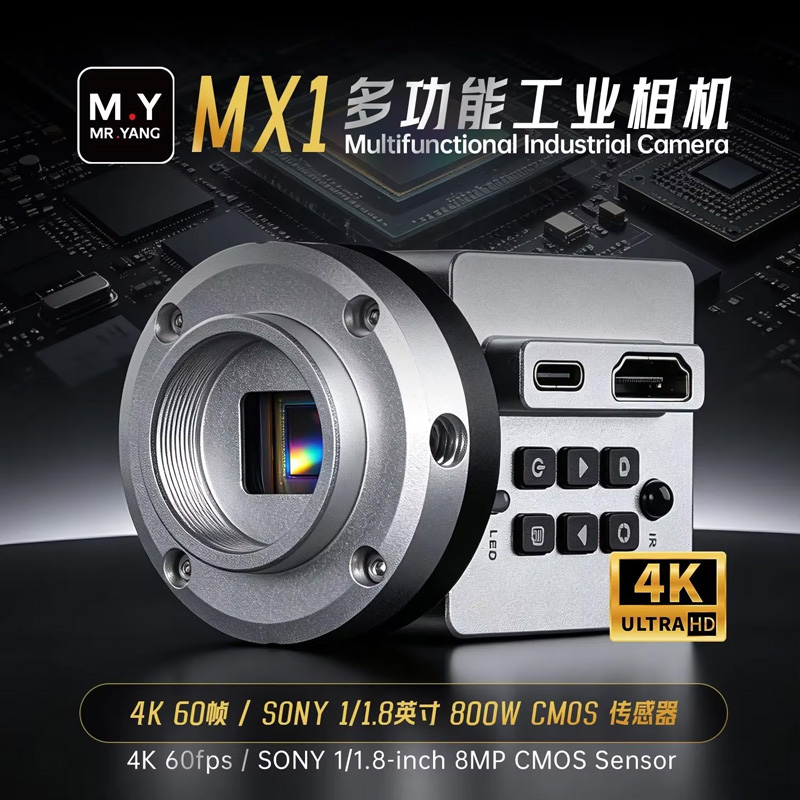
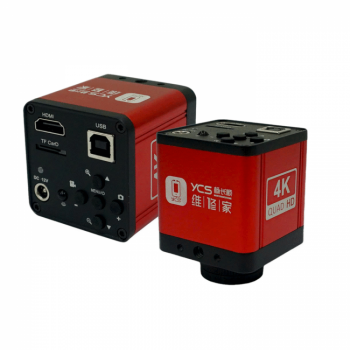
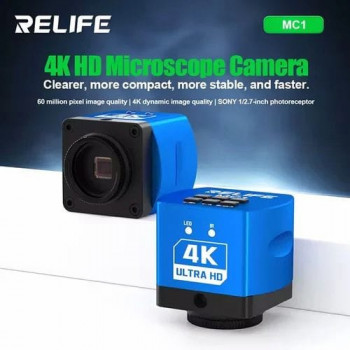
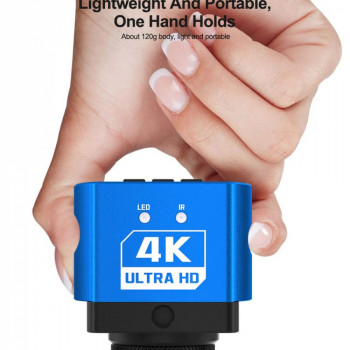
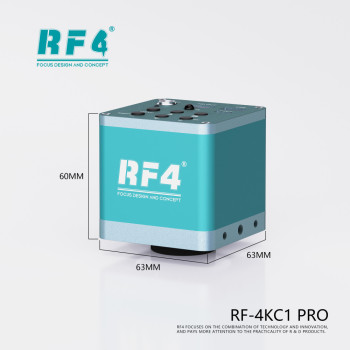
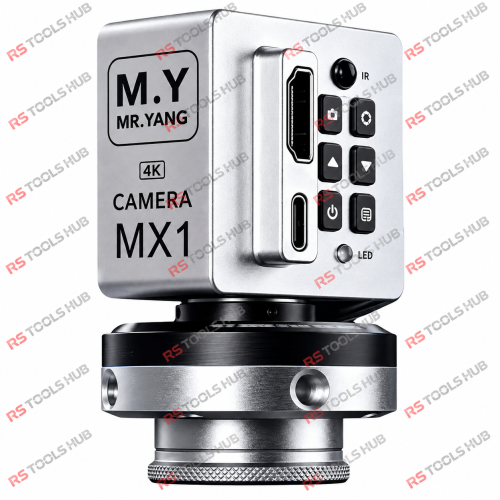
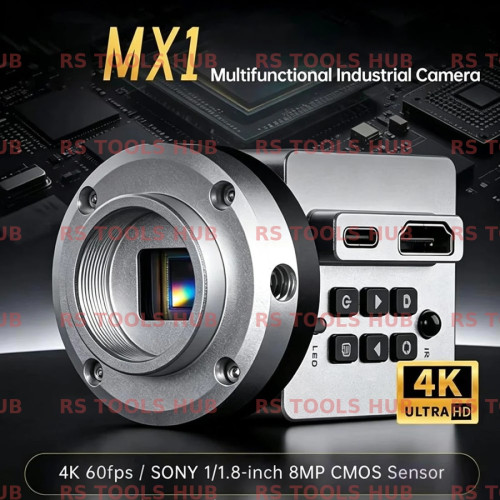
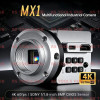
The Mr.Yang MX1 HDMI & Type-C Dual Output 8MP Sony CMOS Sensor 4K Industrial Microscope Camera is an ultra-high-definition digital visual imaging solution engineered specifically for chip-level mobile repair laboratories, micro-soldering workstations, and BGA rework inspection benches. Equipped with a high-sensitivity 8MP Sony CMOS image sensor, this camera delivers ultra-sharp 4K output at smooth 60 frames per second, allowing technicians to inspect 01005 passives, trace fine 0.01mm jumper wires, and evaluate microscopic solder joints on multi-layer sandwich logic boards without motion blur or visual fatigue.
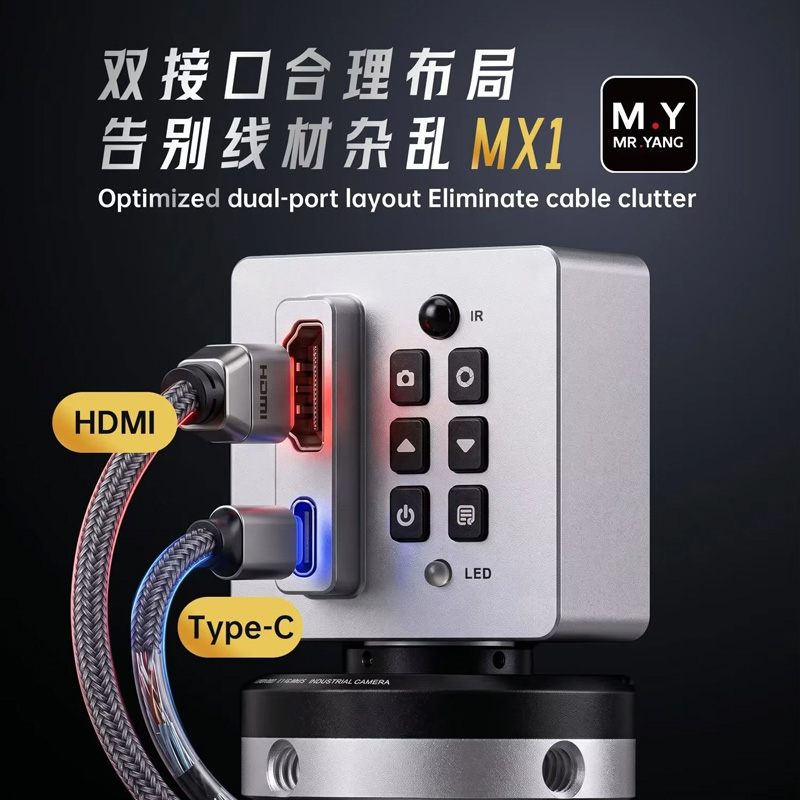
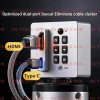
Designed with versatile HDMI and Type-C dual display interfaces, the MX1 enables simultaneous lag-free 4K monitor output and PC software measurement/recording. Its innovative rotatable body structure and rugged all-aluminum thermal dissipation shell make it an indispensable upgrade for any trinocular stereo zoom microscope operating in a fast-paced commercial repair environment.
Key Engineering Features & Bench Advantages:
- High-Sensitivity 8MP Sony CMOS Sensor: Captures high-fidelity, true-to-life color images with excellent dynamic range, keeping low-light PCB traces and reflective solder balls sharp and glare-free.
- Real-Time 4K 60FPS Lag-Free Output: Delivers fluid, high-frame-rate video directly over HDMI to external bench monitors, eliminating the latency and motion smear common in lower-tier digital microscope cameras during live soldering.
- Dual Output Versatility (HDMI + Type-C): Run an uncompressed HDMI signal directly to a large repair monitor while simultaneously capturing digital snapshots, video logs, or calibration measurements on a PC via the Type-C USB port.
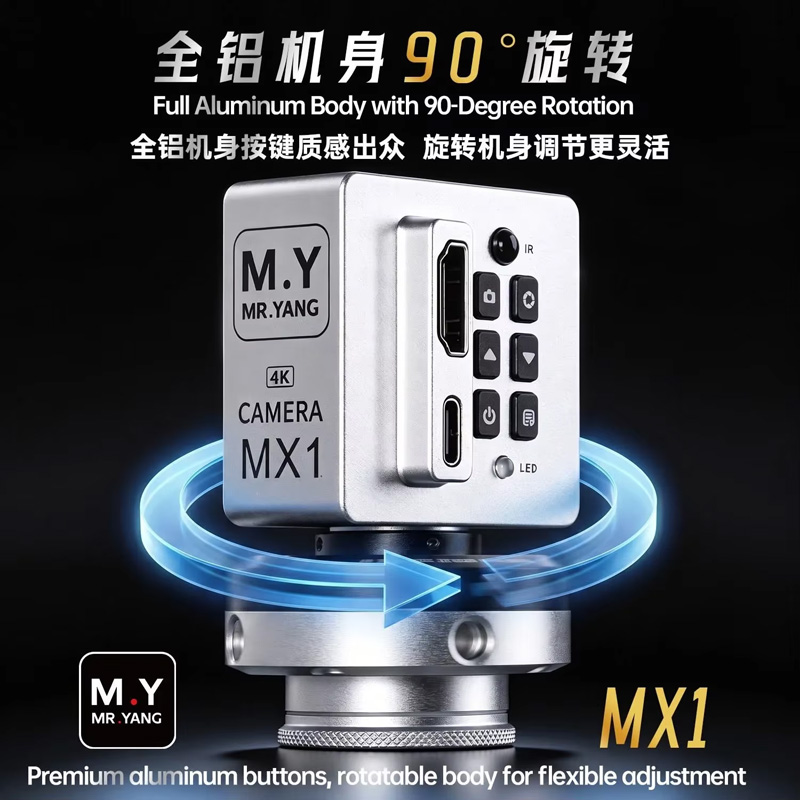
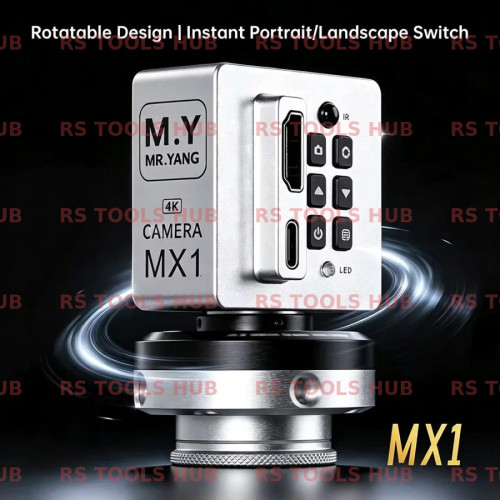
- Innovative Rotatable Housing Structure: Features an adjustable rotating body design that allows technicians to quickly flip between landscape and portrait display orientations to suit long motherboard layouts without unthreading the camera from the microscope.
- Standard C/CS-Mount Optical Interface: Fully compatible with industry-standard 0.5X and 0.35X C-mount trinocular adapters across RF4, Relife, Mechanic, Sunshine, and AmScope stereo zoom heads.
- Integrated On-Screen Display (OSD) & Remote Control: Includes a wireless remote control to toggle grid lines, crosshairs, digital zoom, exposure settings, and white balance without shaking the microscope head during high-magnification work.
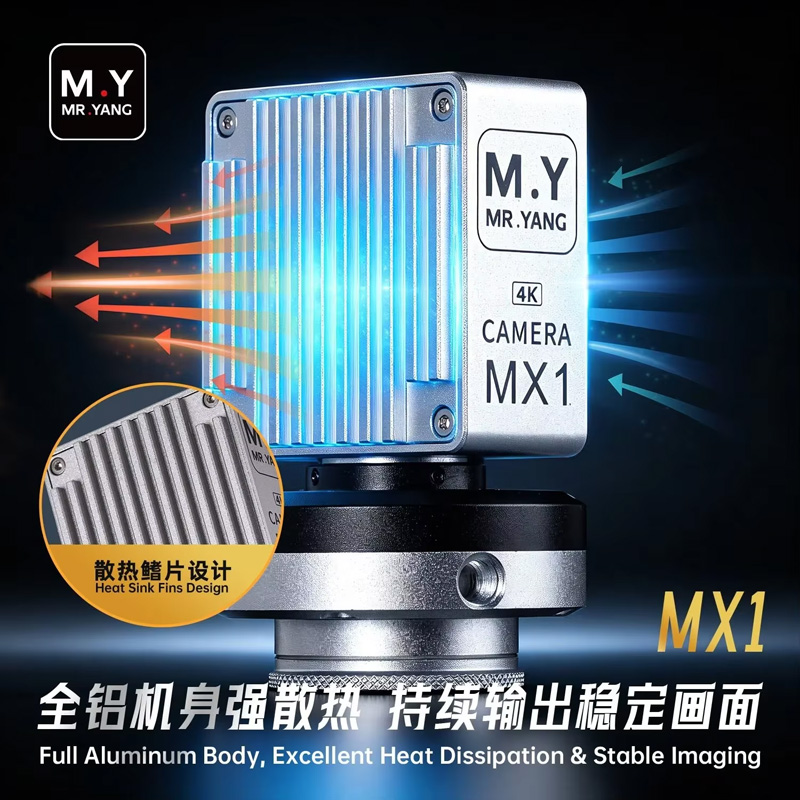
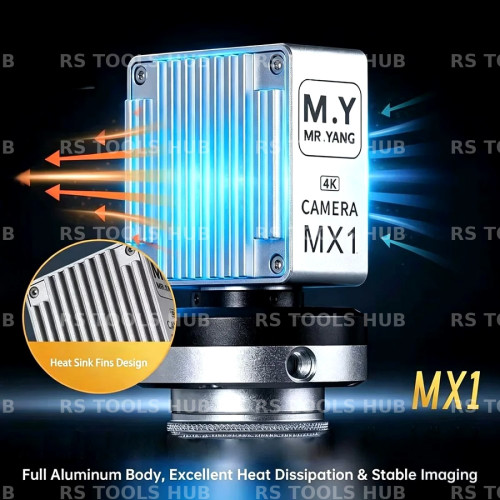
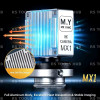
- CNC Aluminum Alloy Heat Sink Body: Built from aircraft-grade anodized aluminum to channel heat away from the Sony CMOS sensor, preventing thermal noise and frame drops during extended bench sessions.
Technical Specification Matrix
|
Parameter Profile |
Product Specification Details |
|
Model Designation |
Mr.Yang MX1 4K Industrial Microscope Camera |
|
Image Sensor |
8-Megapixel High-Sensitivity Sony CMOS Sensor |
|
Resolution & Frame Rate |
4K UHD @ 60 FPS / 1080P @ 60 FPS |
|
Video Output Ports |
HDMI (Direct to Monitor) + Type-C (PC Data & Power) |
|
Optical Lens Interface |
Standard C-Mount / CS-Mount Thread |
|
Digital Zoom & Exposure |
Supported via On-Screen Menu (Auto/Manual Exposure & White Balance) |
|
On-Screen Reticle Lines |
Multi-Color Grid Lines, Movable Crosshairs, Measurement Reticles |
|
Camera Housing |
Full CNC Aluminum Alloy with Passive Heat Dissipation Finning |
|
Control Method |
On-Body Tactile Buttons & Wireless Infrared Remote Control |
|
Primary Bench Applications |
Mobile Motherboard Rework, Micro-Soldering Documentation, BGA Inspection |
Bench Setup & Optical Calibration Guide:
- Mounting to Trinocular Port: Screw your 0.5X (or 0.35X) C-mount optical adapter firmly onto the MX1 camera's threaded ring. Insert the assembly into the top trinocular port of your stereo microscope and tighten the collar thumbscrew.
- Display Connection: Connect the high-speed HDMI cable from the MX1 HDMI port directly into an Ultra HD / 4K bench monitor, then connect the 12V DC power adapter.
- Simultaneous PC Capture (Optional): Plug the Type-C USB cable into a workshop PC running standard industrial camera viewing or measurement software to record customer repair proof or stream live repair tutorials.
- Orientation Adjustment: Loosen the MX1 rotating ring to orient the display horizontally or vertically matching your motherboard clamp position, then hand-tighten the ring into position.
- Parfocal Tuning: Set the microscope zoom to maximum and focus on a PCB trace through the eyepieces. Zoom out to lowest magnification, adjust eyepiece diopters, and rotate the fine-focus adjustment collar on the C-mount adapter until the monitor display matches the optical sharpness of your eyepieces.